

This is the Stable version of the documentation. The latest version is experimental and under active development. You can use the version selector in the top-right menu to switch versions for this specific page, or click here to go to the latest version's homepage.
SonarQube Configurations
Configuration on Web Interface
Section titled “Configuration on Web Interface”-
Go to
https://${SONARQUBE_DOMAIN}and Login with Initial Admin Accountadmin- You may see the warning about using plugins, click
I understand the risk
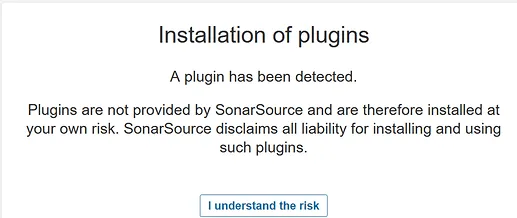
- You may see the warning about using plugins, click
-
Go to
Administrationtab >Configurationtab >GeneralLeft side menu -
Find
Server base URLand Put the valueshttps://${SONARQUBE_DOMAIN}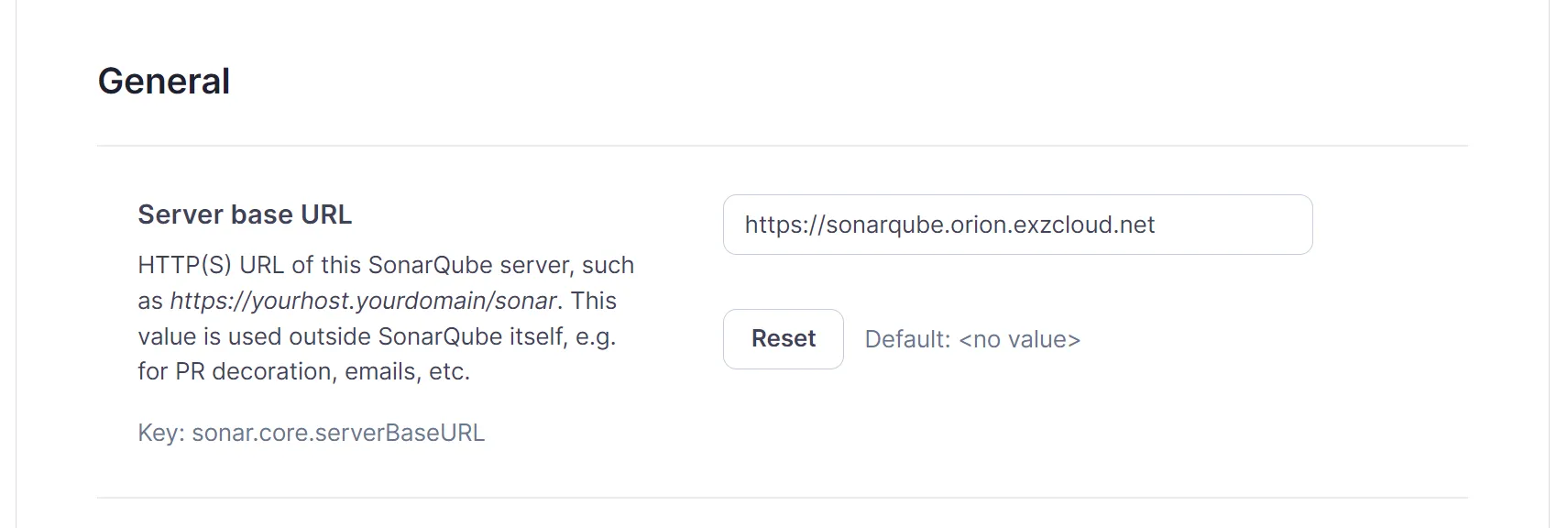
Finished?
Use the below navigation to proceed