

This is the Stable version of the documentation. The latest version is experimental and under active development. You can use the version selector in the top-right menu to switch versions for this specific page, or click here to go to the latest version's homepage.
Activate Opstella License
เนื้อหานี้ยังไม่มีในภาษาของคุณ
Prerequisites
Section titled “Prerequisites”The license file downloaded below is generated from the initial activation key, so that key has to be installed first:
-
You received an initial activation key — see Request Opstella Initial Activation Key.
-
It is stored at
$HOME/opstella-installation/opstella-configs/opstella-core-init-license.txt. -
The Secret exists and
opstella-corehas restarted since it was created:Terminal window kubectl get secret opstella-core-init-license --namespace opstella-system \-o jsonpath='{.data.config\.txt}' | wc -c💡 A non-zero length. If the Secret is missing, the volume in
opstella-core-values.yamlis declaredoptional: true, so the mount point becomes an empty directory rather than stopping the Pod, andDownload License Filefails with a base64 error that mentions neither the file nor the license:binascii.Error: Invalid base64-encoded string: number of data characters (41)cannot be 1 more than a multiple of 4That message is
get_config_value()returning the stringError: ...instead of raising, and the caller base64-decoding it.
Gather Activation Information
Section titled “Gather Activation Information”-
Go to Opstella Management Admin Panel
opstella-backend.${BASE_DOMAIN}/admin -
Login with Opstella Core Credentials
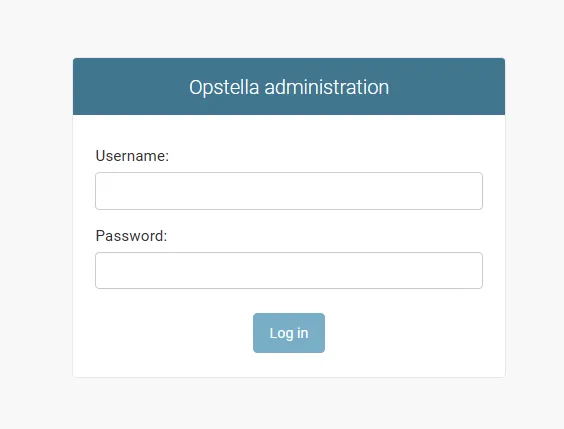
-
Go to
Workers>Kubernetes Clusters>Download License File(On the Top Right)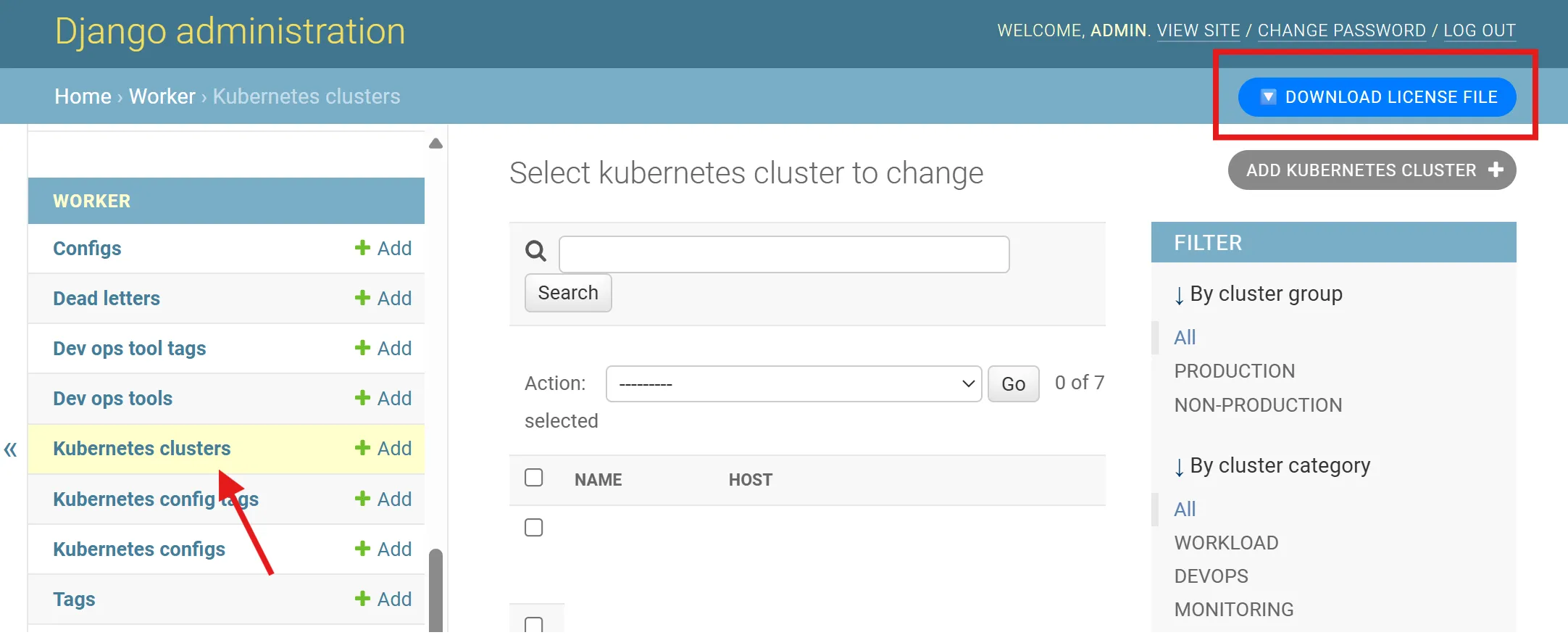
-
Request Opstella Sales/Product Manager and submit the downloaded license file to generate second activation key
You will retrieve a cryptic Text File back from Sales/Opstella Team.
License Activation
Section titled “License Activation”-
Connect to
🟢 ManagementKubernetes Cluster ; i.e w/ Kubeconfig FileTerminal window export KUBECONFIG="$HOME/opstella-installation/kubeconfigs/management_cluster.yaml" -
Store the retrieve file on
$HOME/opstella-installation/opstella-configs/ok8s-integration-info.txt -
Install the second activation key with Kubernetes Secret
Terminal window kubectl create secret generic ok8s-integration-info --namespace opstella-system \--from-file=config.txt=$HOME/opstella-installation/opstella-configs/ok8s-integration-info.txt -
Annotate
ok8s-integrationDeploymentTerminal window kubectl annotate --namespace opstella-system deployment ok8s-integration reloader.stakater.com/auto="true" -
Try to Delete
ok8s-integrationPod, Make sure it is restarted and come back Ready.
Post Activation
Section titled “Post Activation”License Testing
Section titled “License Testing”-
Go to Opstella UI (Front-end)
opstella.${BASE_DOMAIN} -
Login with
opstellaCrendentials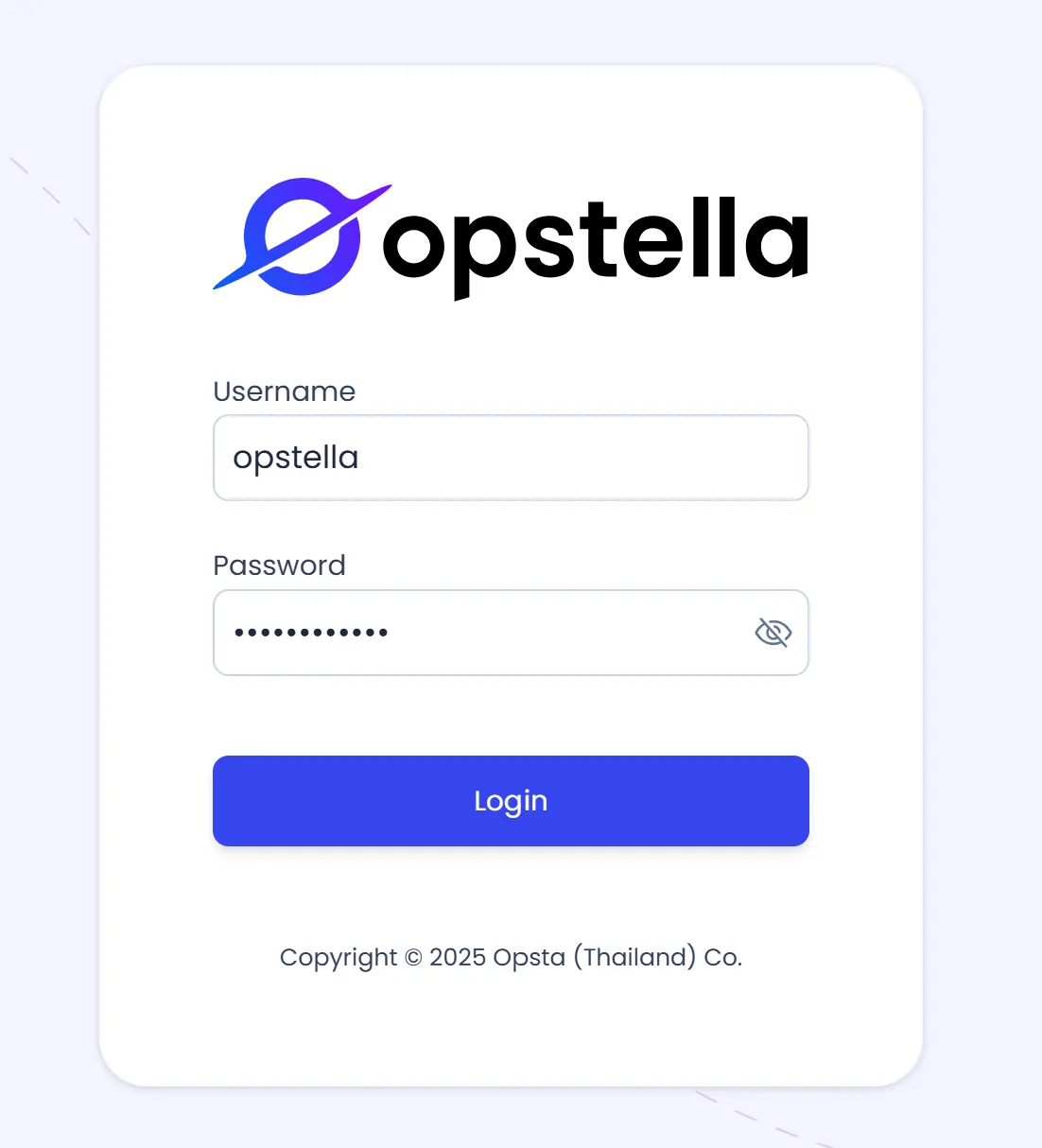
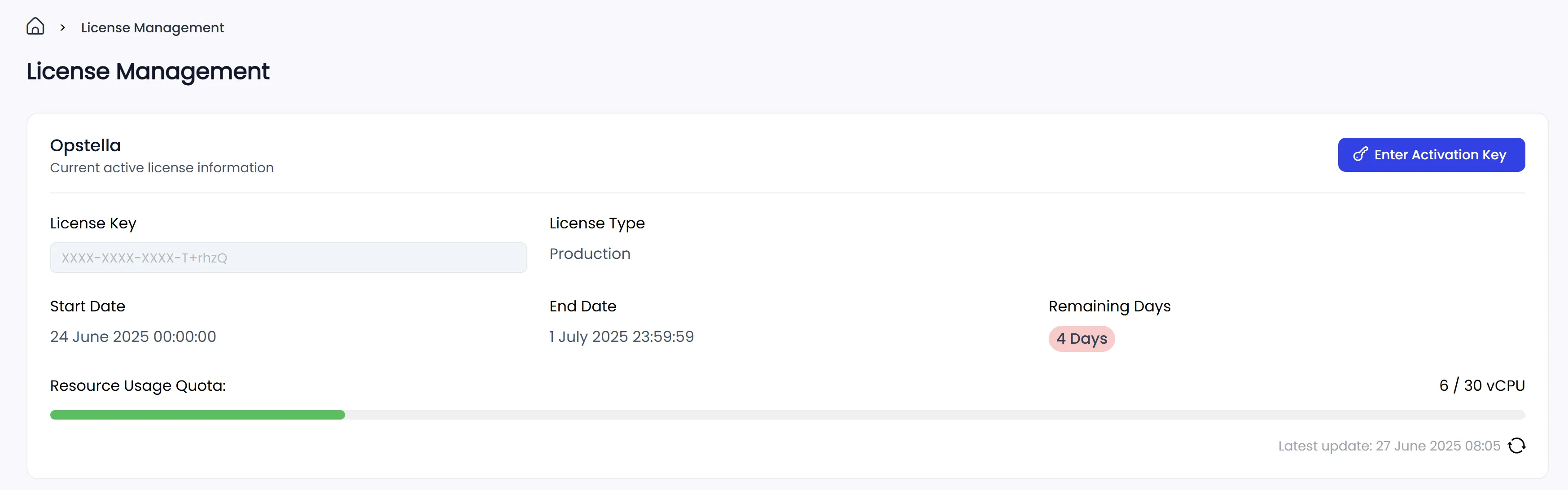
-
Go to
LicensesTab on the Left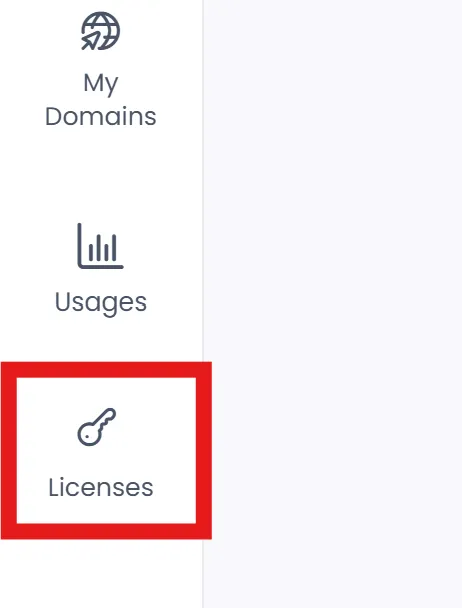
-
License should be Activated
Opstella Usage Testing
Section titled “Opstella Usage Testing”-
Go to Opstella UI (Front-end)
opstella.${BASE_DOMAIN} -
Login with
opstellaCrendentials -
Go to
UsagesTab on the Left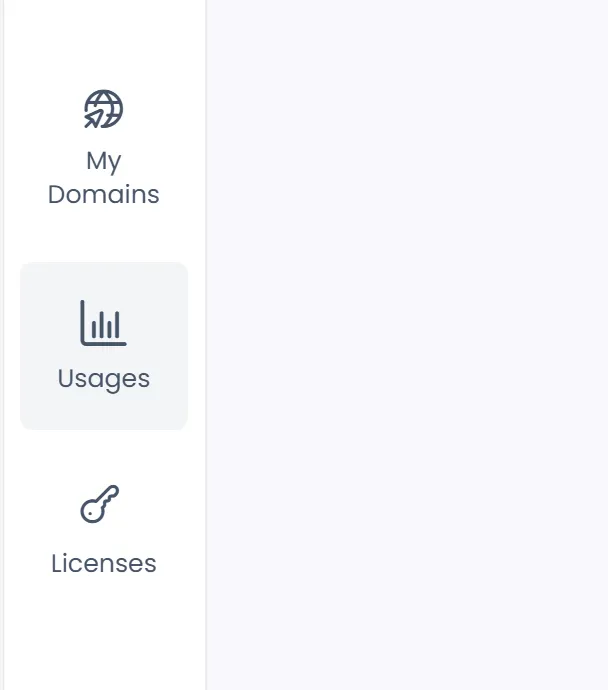
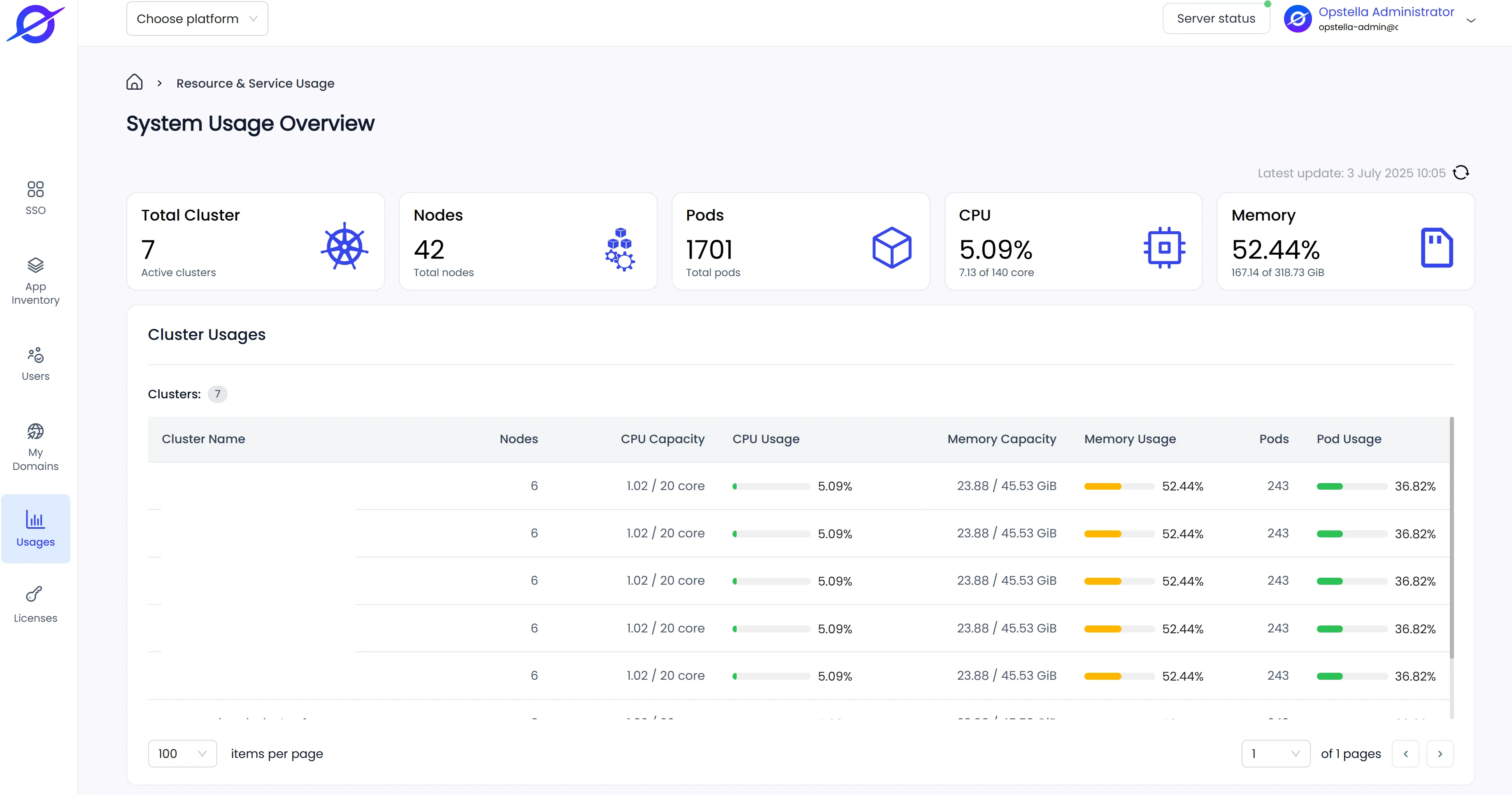
-
Usages Page should display information correctly
Finished?
Section titled “Finished?”Next step, will begin the End-to-End Testing, Good luck! … 📝