

This is the Stable version of the documentation. The latest version is experimental and under active development. You can use the version selector in the top-right menu to switch versions for this specific page, or click here to go to the latest version's homepage.
Change Opstella Administrator User Information
เนื้อหานี้ยังไม่มีในภาษาของคุณ
-
Go to Management Admin Panel
opstella-backend.${BASE_DOMAIN}/admin -
Login with Opstella Core Credentials
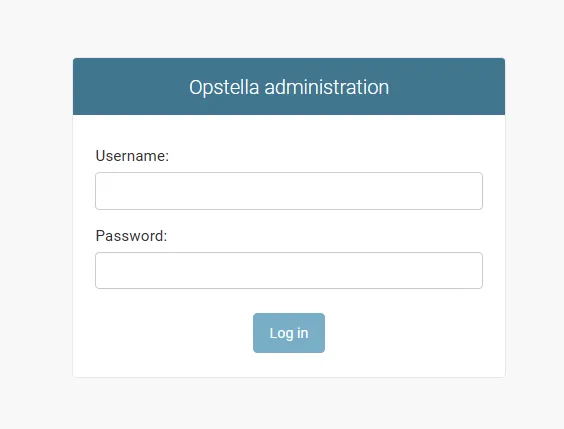
-
Go to
Tenant>Members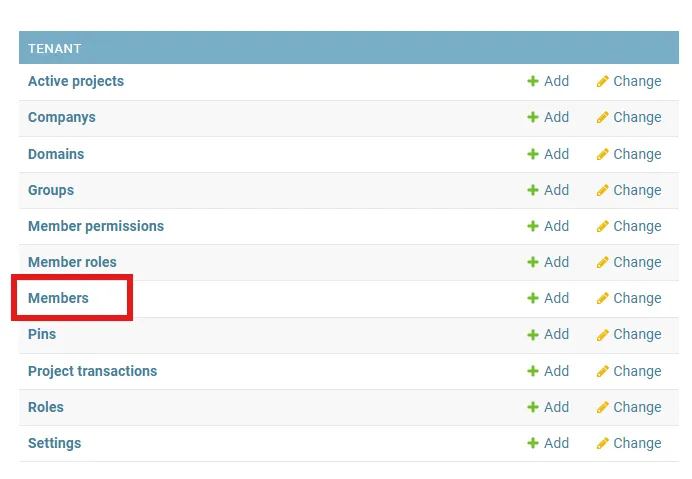
-
Select
opstellamember in the record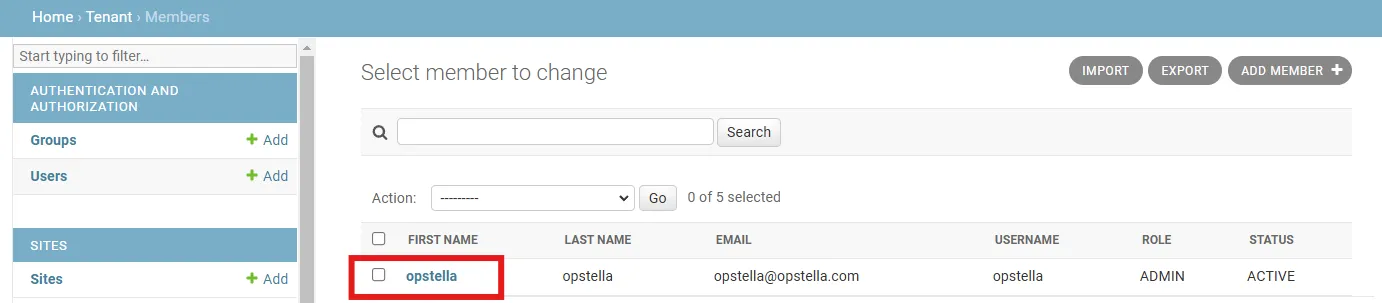
-
Change information that follow to Information in Opstella Keycloak
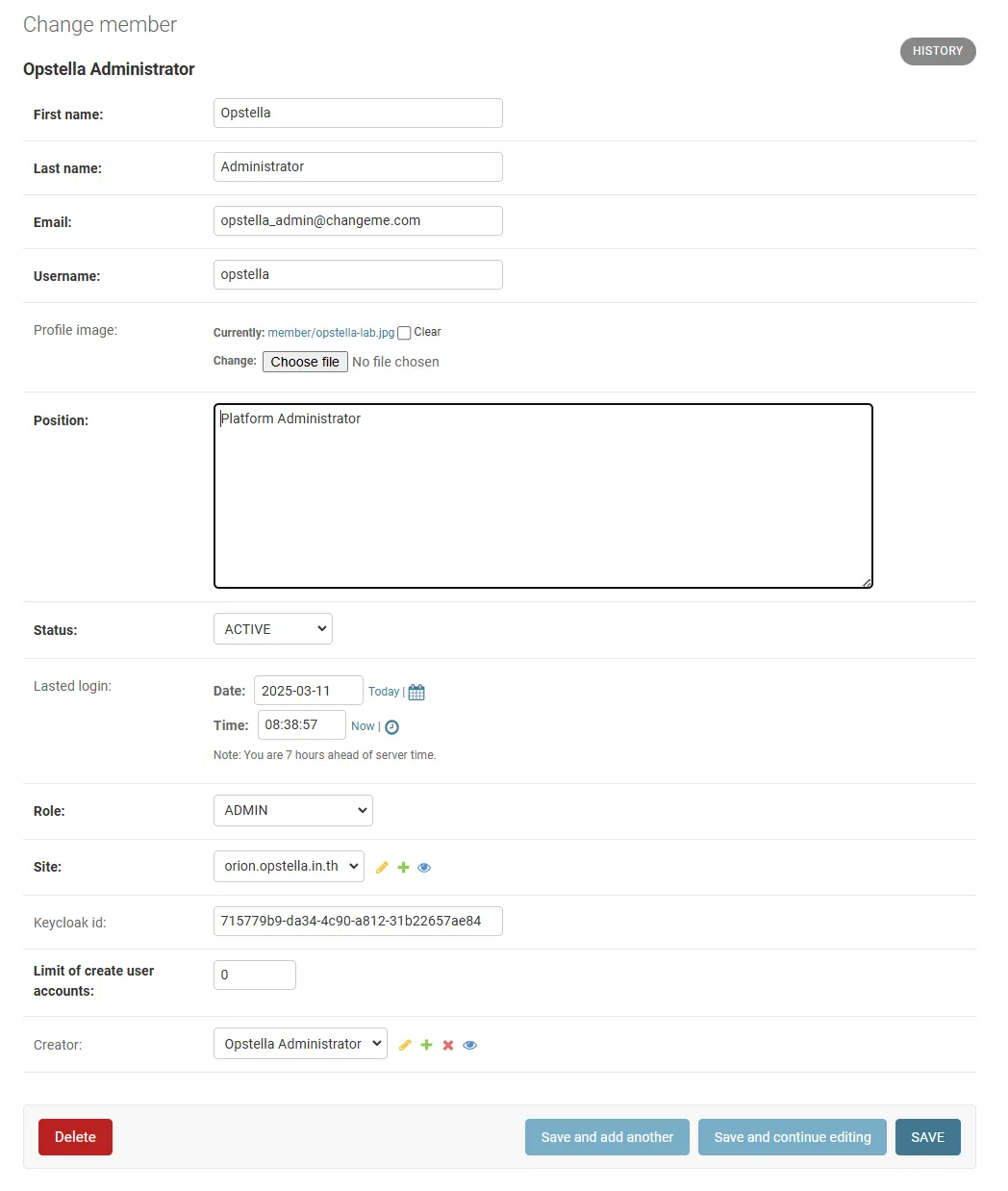
- Email:
opstella-admin@${BASE_DOMAIN} - First name:
Opstella - Last name:
Administrator - Position:
Platform Administrator - ❌ DO NOT CHANGE ANYTHING ❌
- Email:
-
Click
Save
Finished?
Use the below navigation to proceed