

This is the Stable version of the documentation. The latest version is experimental and under active development. You can use the version selector in the top-right menu to switch versions for this specific page, or click here to go to the latest version's homepage.
Login to Opstella Platform
เนื้อหานี้ยังไม่มีในภาษาของคุณ
-
Open your web browser and go to the following
URL:
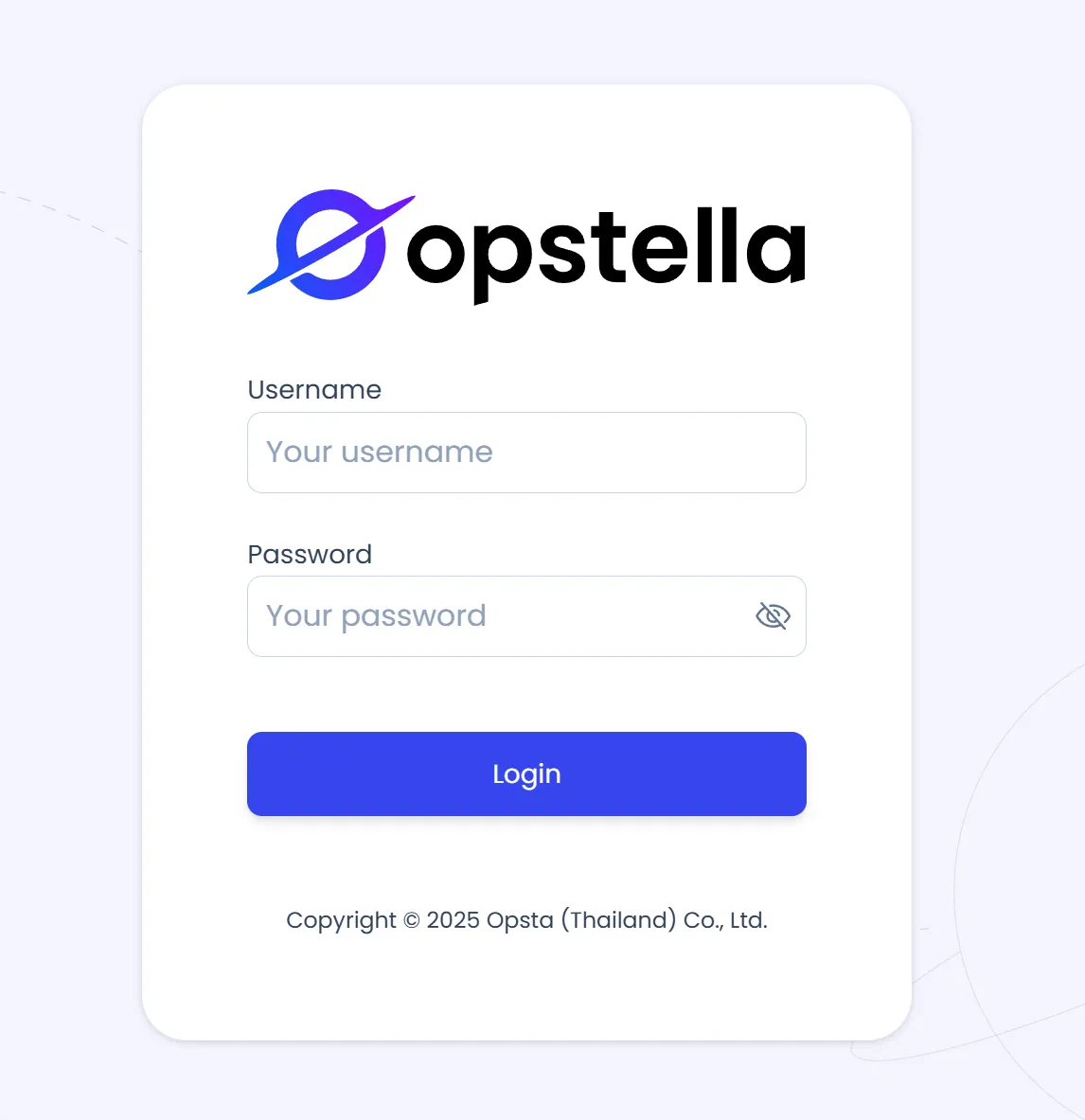
https://opstella.CHANGEME.comYou will be presented with the Opstella login page as shown in the figure below.
-
Enter your Credentials (Authorized Username and Password).
-
Click the Login button to Log in.
-
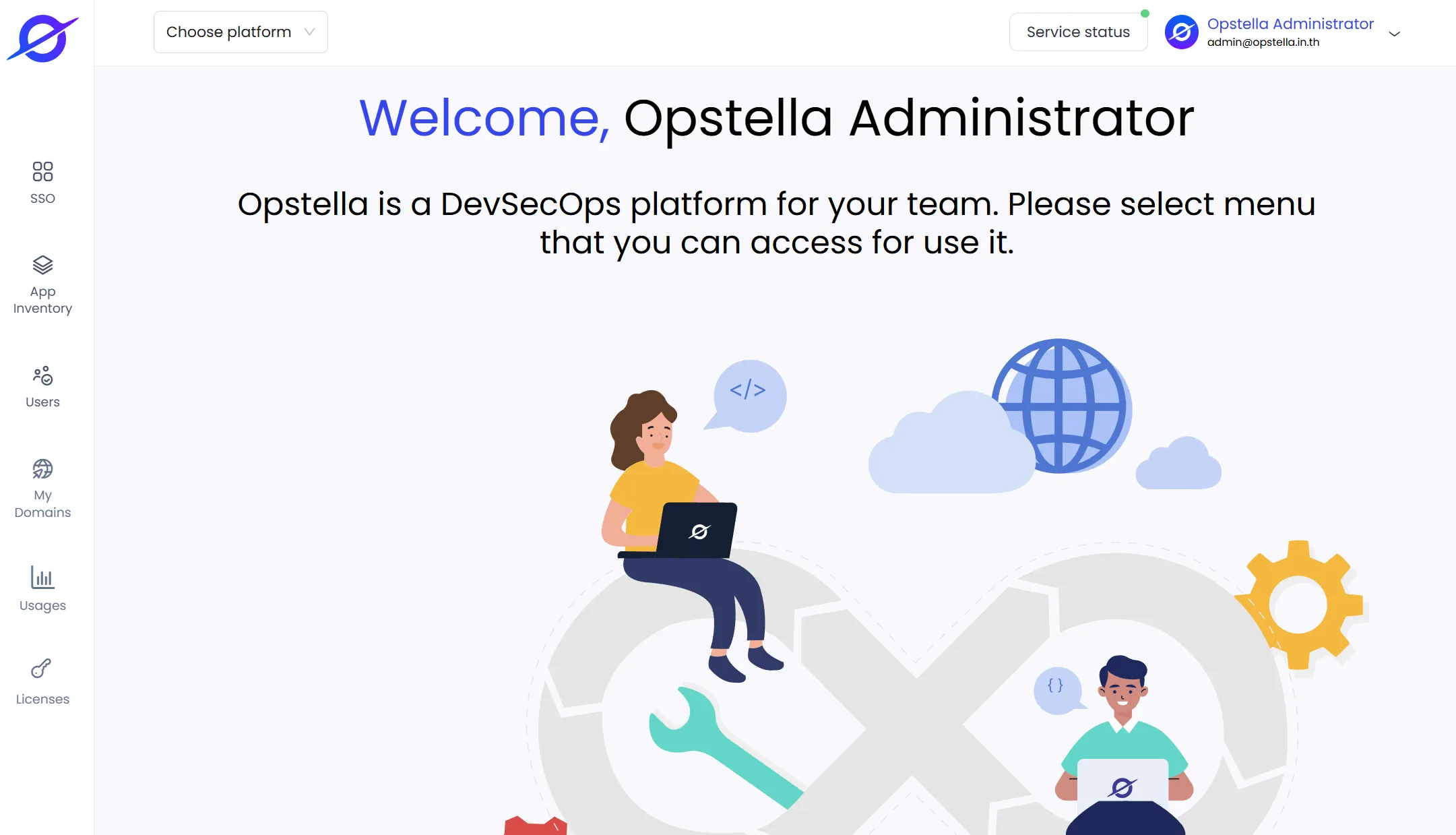
Upon successful login, you will see the Opstella Welcome Page as shown in the figure below.
Finished?
Use the below navigation to proceed