This is the Experimental version (Latest). It is under active development and may change. For the most reliable documentation, use the version selector in the top-right to switch to Stable, or click here to go to the Stable version's homepage.
Opstella Keycloak - Appendix
Last updated:
These topics are useful when operating with Keycloak
Gathering Client ID and Secret
Section titled “Gathering Client ID and Secret”You will need to use each of Client ID, Secret to configure Single Sign-On function to its corresponding application.
-
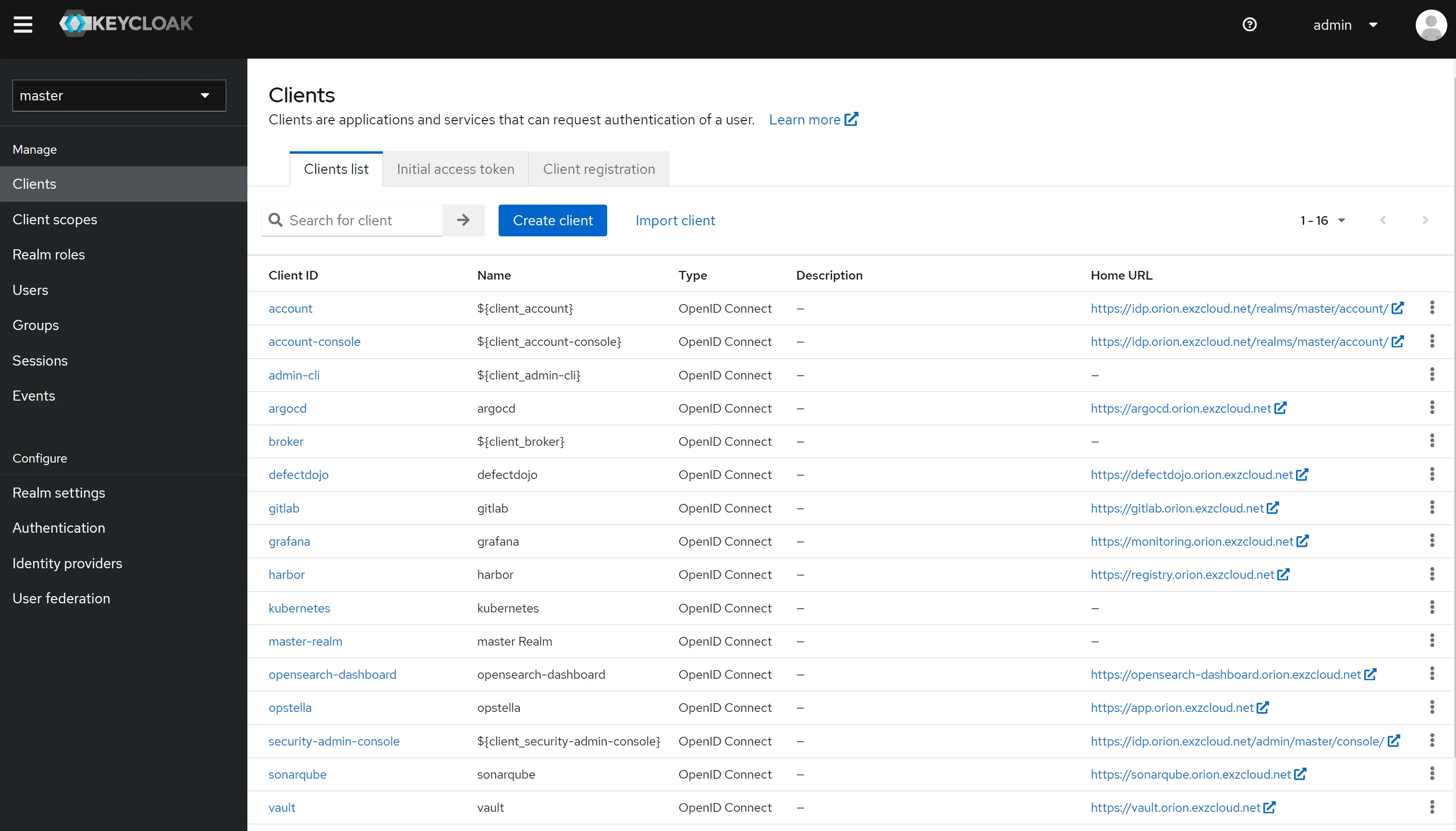
Go to
Clients -
Select a client
-
Get Client ID in
Settingstab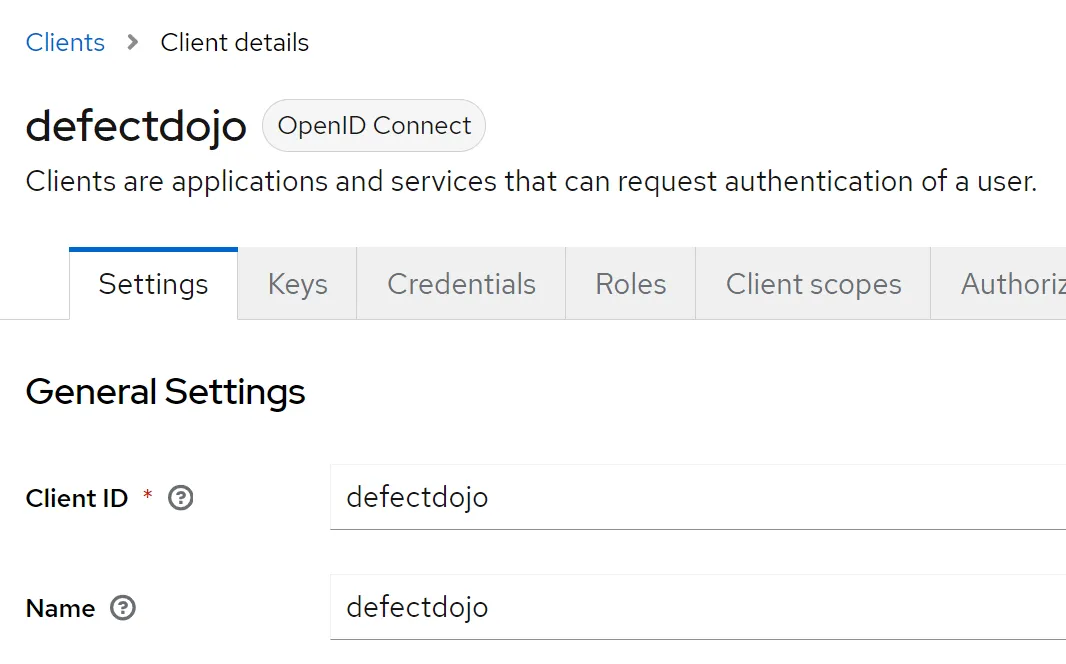
-
Go to
Credentialstab and you will see Client Secret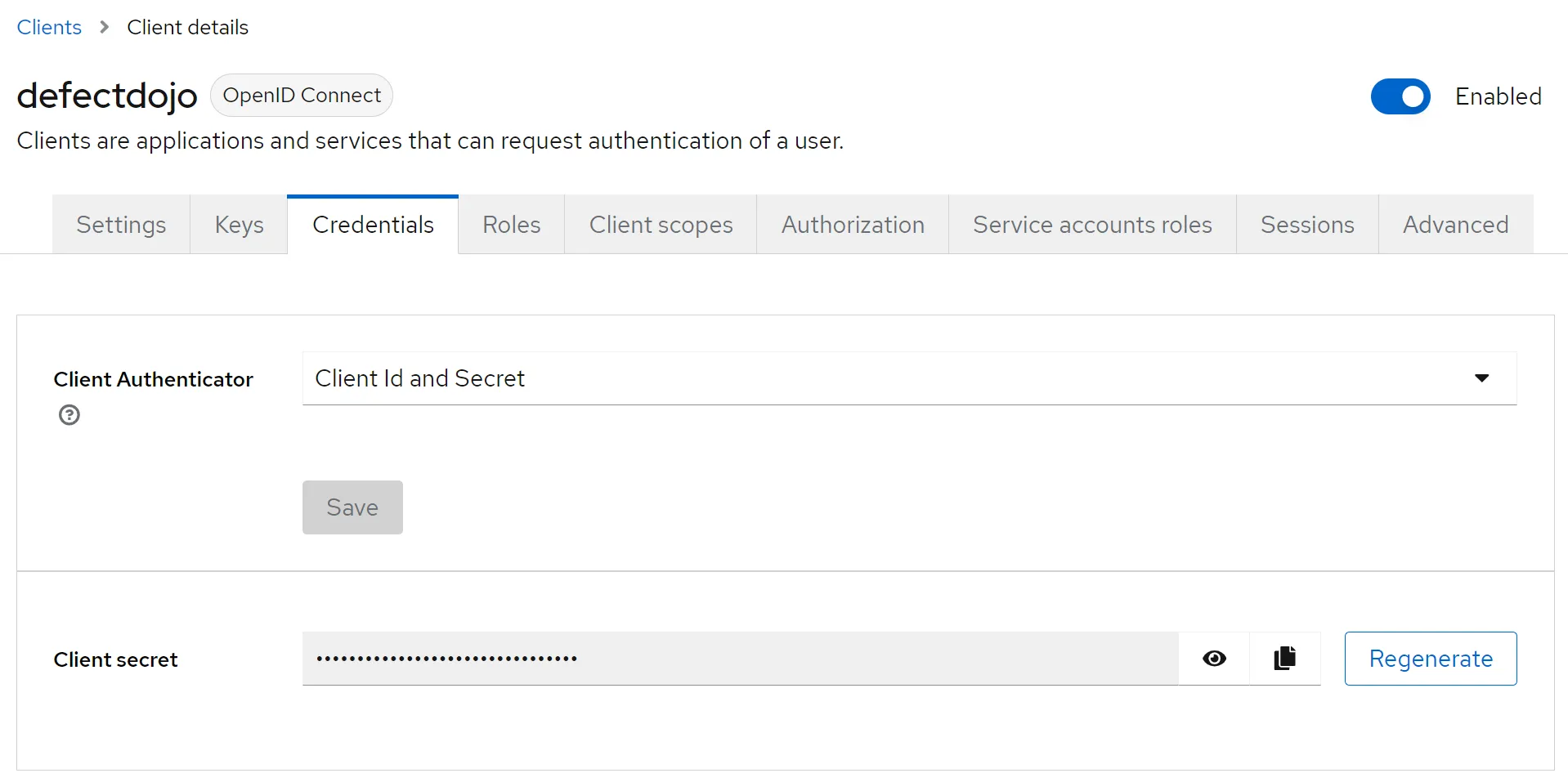
Gathering Public Signing Key
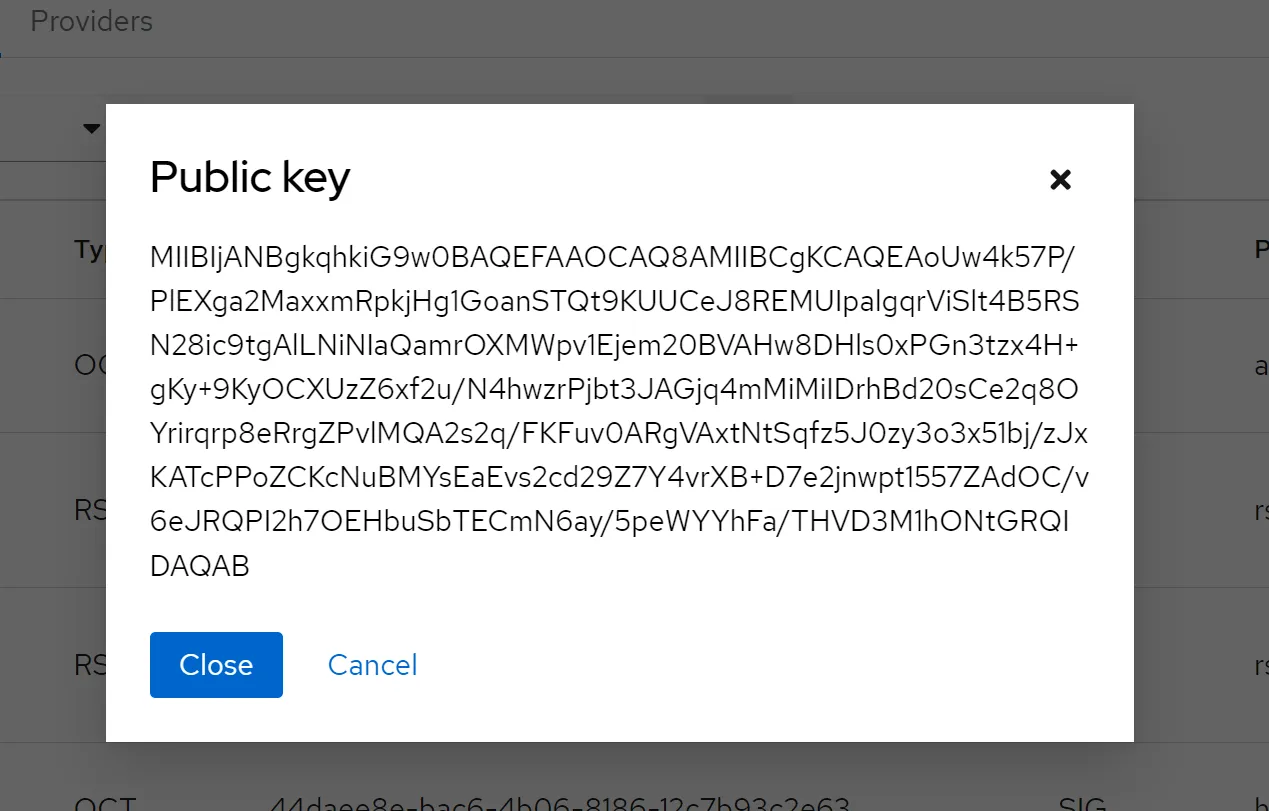
Section titled “Gathering Public Signing Key”You will need to use Public Signing Key for some application.
-
Go to
Realm settings>Keystab -
Go to
RS256Algorithm Key >Public key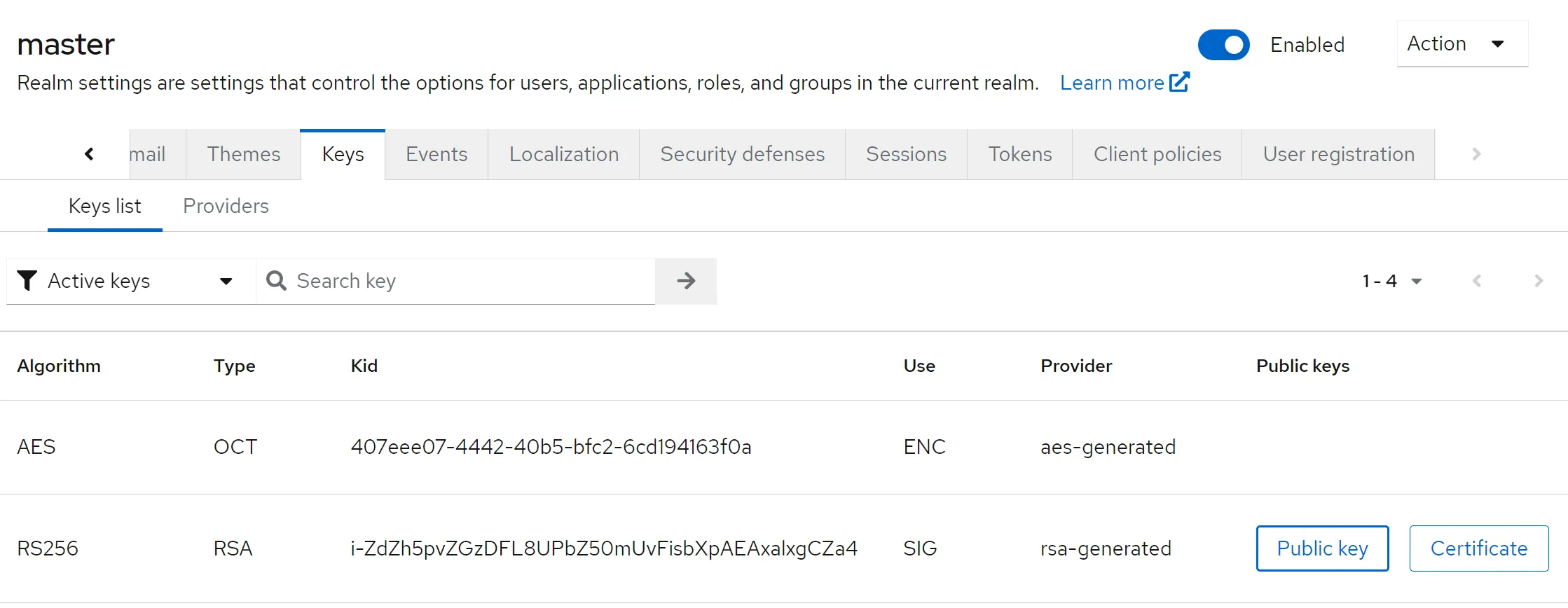
-
Copy the entire text in the shown box