

This is the Experimental version (Latest). It is under active development and may change. For the most reliable documentation, use the version selector in the top-right to switch to Stable, or click here to go to the Stable version's homepage.
Health Checks Failed
Last updated:
Force Healthcheck for Opstella will refresh caches that Opstella stored for its operations and also perform priliminary checks for Opstella Dependency Services.
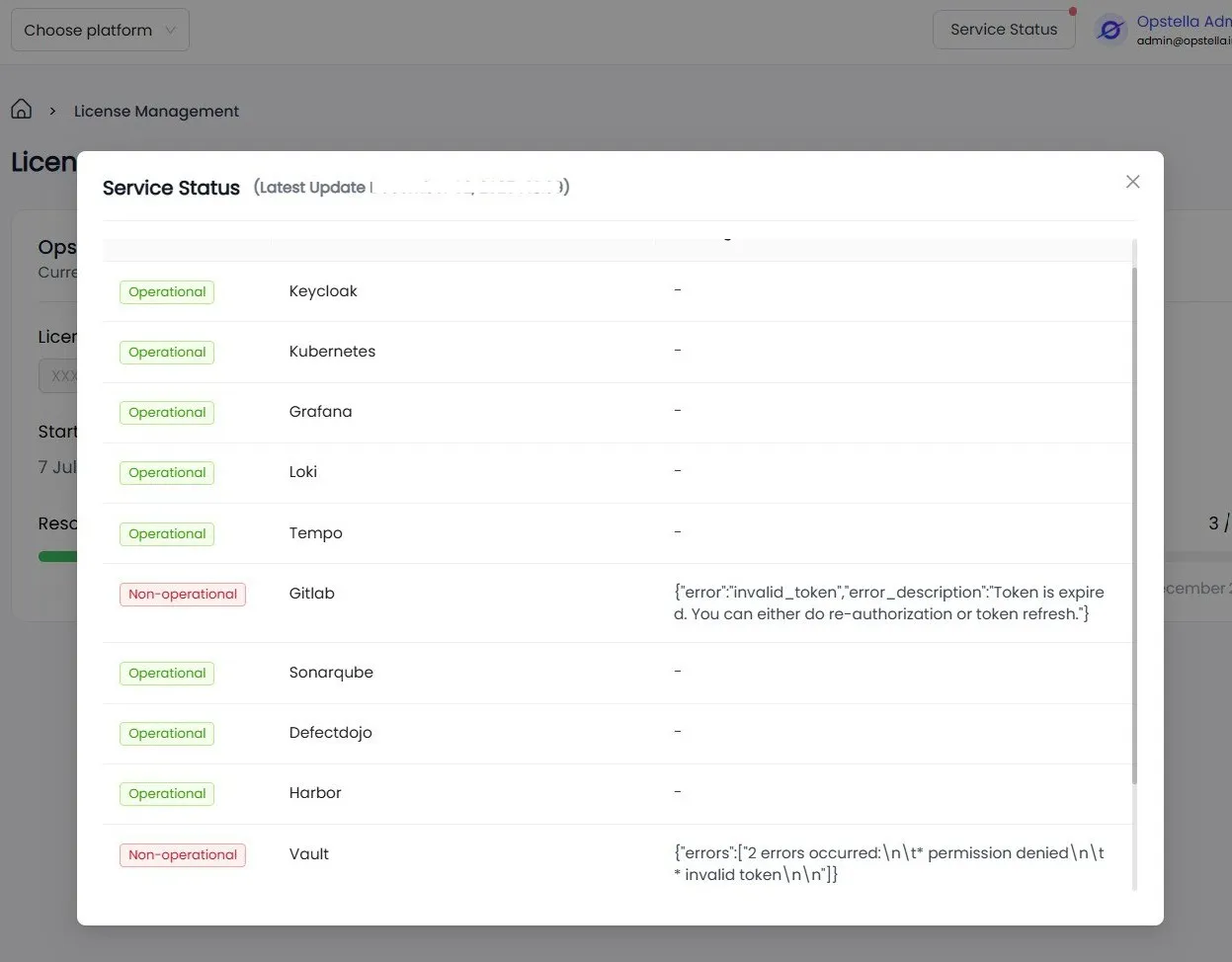
Opstella Core (Back-end)
Section titled “Opstella Core (Back-end)”-
Go to Opstella Core (Back-end) URL with Health Check Path
https://opstella-backend.CHANGEME.com/healthcheck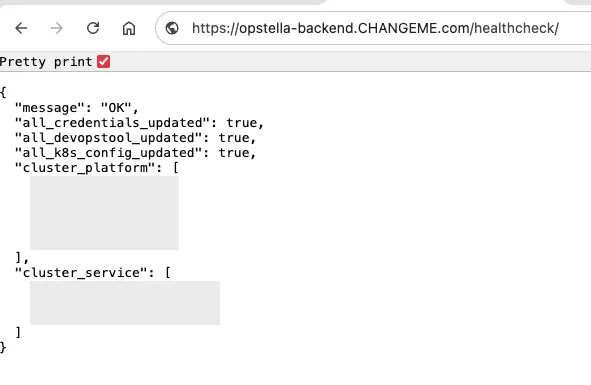
It should return a JSON with message
OK
Opstella Workers
Section titled “Opstella Workers”-
Connect to
🟢 ManagementKubernetes Cluster ; i.e w/ Kubeconfig FileTerminal window export KUBECONFIG="$HOME/opstella-installation/kubeconfigs/management_cluster.yaml" -
Port-Forward of Opstella-Worker of Port 3000
Choose one Worker,
worker-XYZ. WhereXYZis the name of the worker.For example, Worker Kubernetes
worker-kubernetesTerminal window kubectl port-forward -n opstella-system svc/worker-kubernetes 3000:3000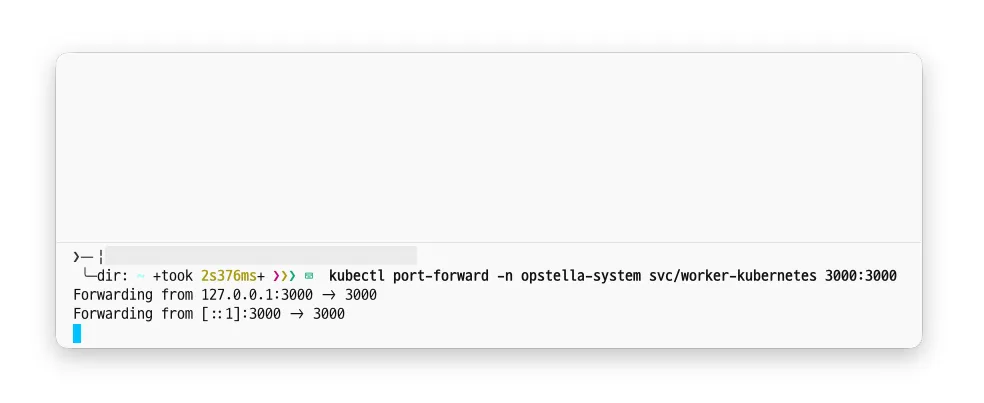
-
Open new Terminal or Using Web Browser and go to
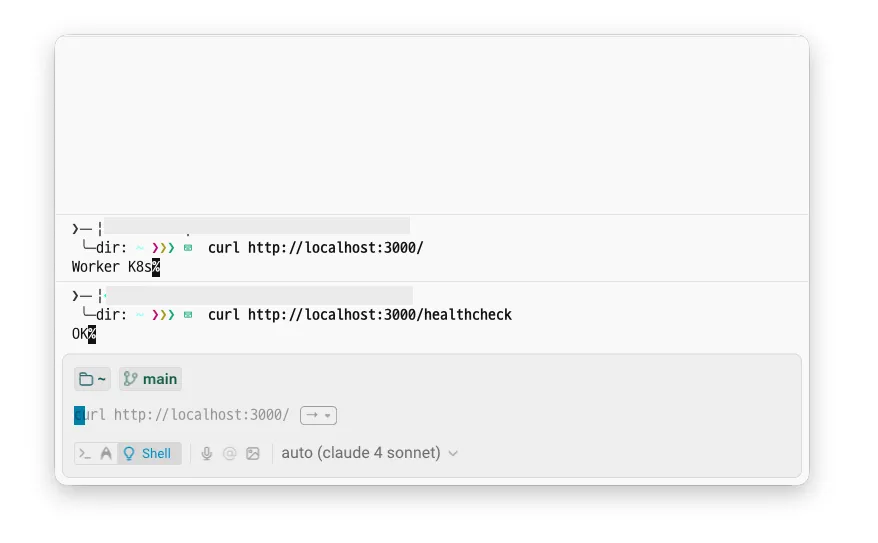
http://localhost:3000/andhttp://localhost:3000/healthcheck- IF the Worker is OK
http://localhost:3000/: Should returnWorker-XYZ; WhereXYZis the name of the worker.http://localhost:3000/healthcheck: Should returnOK
- IF the Worker is NOT OK
http://localhost:3000/healthcheck: May return errors such asMiddleware Failedor others.- Please investigate the coorresponding Worker connection to its Dependency Services.
- Please investigate configuration of the
devopstoolin Opstella Core (Back-end) UI. - Please investigate the logs of the Worker Pod for more details.
- For example,
worker-kubernetesmay have issues connecting to Kubernetes API Server or Token used to connect to Kubernetes Cluster is invalid/expired.
- IF the Worker is OK
Finished?
Use the below navigation to proceed