

This is the Experimental version (Latest). It is under active development and may change. For the most reliable documentation, use the version selector in the top-right to switch to Stable, or click here to go to the Stable version's homepage.
SonarQube Configurations
อัพเดทล่าสุด:
เนื้อหานี้ยังไม่มีในภาษาของคุณ
Configuration on Web Interface
Section titled “Configuration on Web Interface”-
Go to
https://${SONARQUBE_DOMAIN}and Login with Initial Admin Accountadmin- You may see the warning about using plugins, click
I understand the risk
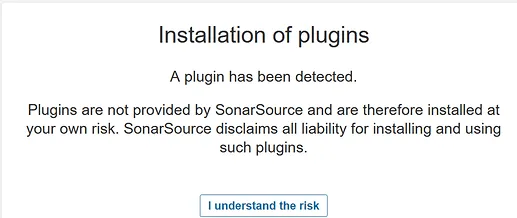
- You may see the warning about using plugins, click
-
Go to
Administrationtab >Configurationtab >GeneralLeft side menu -
Find
Server base URLand Put the valueshttps://${SONARQUBE_DOMAIN}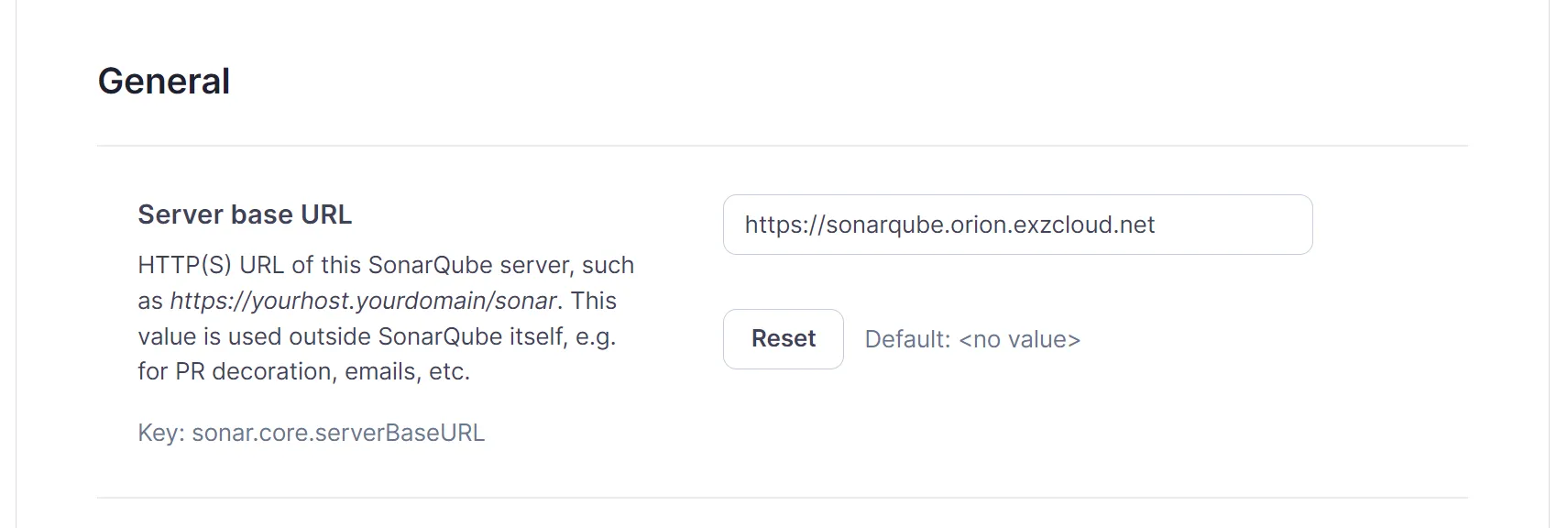
Finished?
Use the below navigation to proceed