

glossary-ui
This content is not available in your language yet.
Explaination
Section titled “Explaination”| Symbol | Button Name | Description |
|---|---|---|
 | SSO | This feature provides a centralized access point for all integrated tools within the platform engineering environment |
 | App Inventory | This section displays your application inventory, organized by Platform List and platform relationships. It visually represents the connections between platforms, services, and components. Additionally, it serves as the central hub for managing platforms, services, components, and their associated permissions. |
 | User | This section allows you to manage all users within the system. Only the ‘Opstella’ user has access to this menu. |
 | Choose Platform | Browsing/Switching to the selected platform |
 | Server Status | This section displays the current connection status of integrated third-party tools. |
 | User Account | This section displays the currently logged-in user’s username, first name, and last name. |
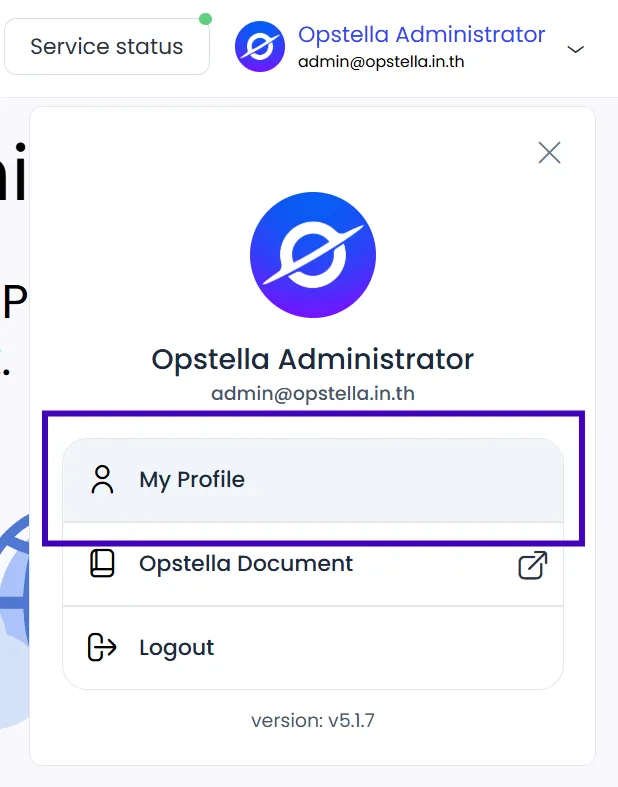 | User Profile | This section allows the currently logged-in user to modify their profile information.” |
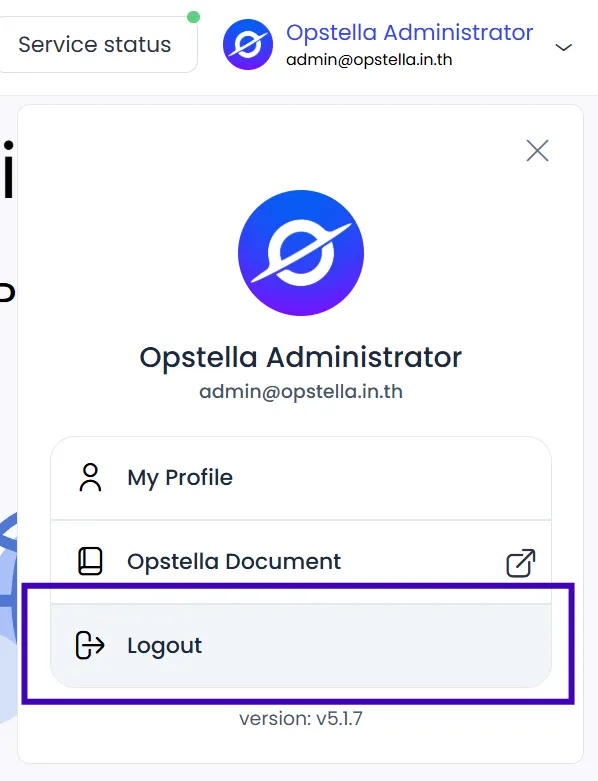 | Logout | This option allows the user to sign out from the system. |
Finished?
Use the below navigation to proceed